
New: karaoke editor – make karaoke with lyrics in your browser

From today you can make your own karaoke with lyrics at Karaoke24 – with no software to install, in an ordinary browser on your computer. All you need is a backing track bought in our shop or your own MP3 recording.
How it works
- Lyrics. You paste the song lyrics. The editor splits them into syllables by itself, and you can correct the split with one click.
- Recording. You listen to the song – it can play more slowly – and press the Space bar at the start of each syllable. You undo a mistake with the Backspace key.
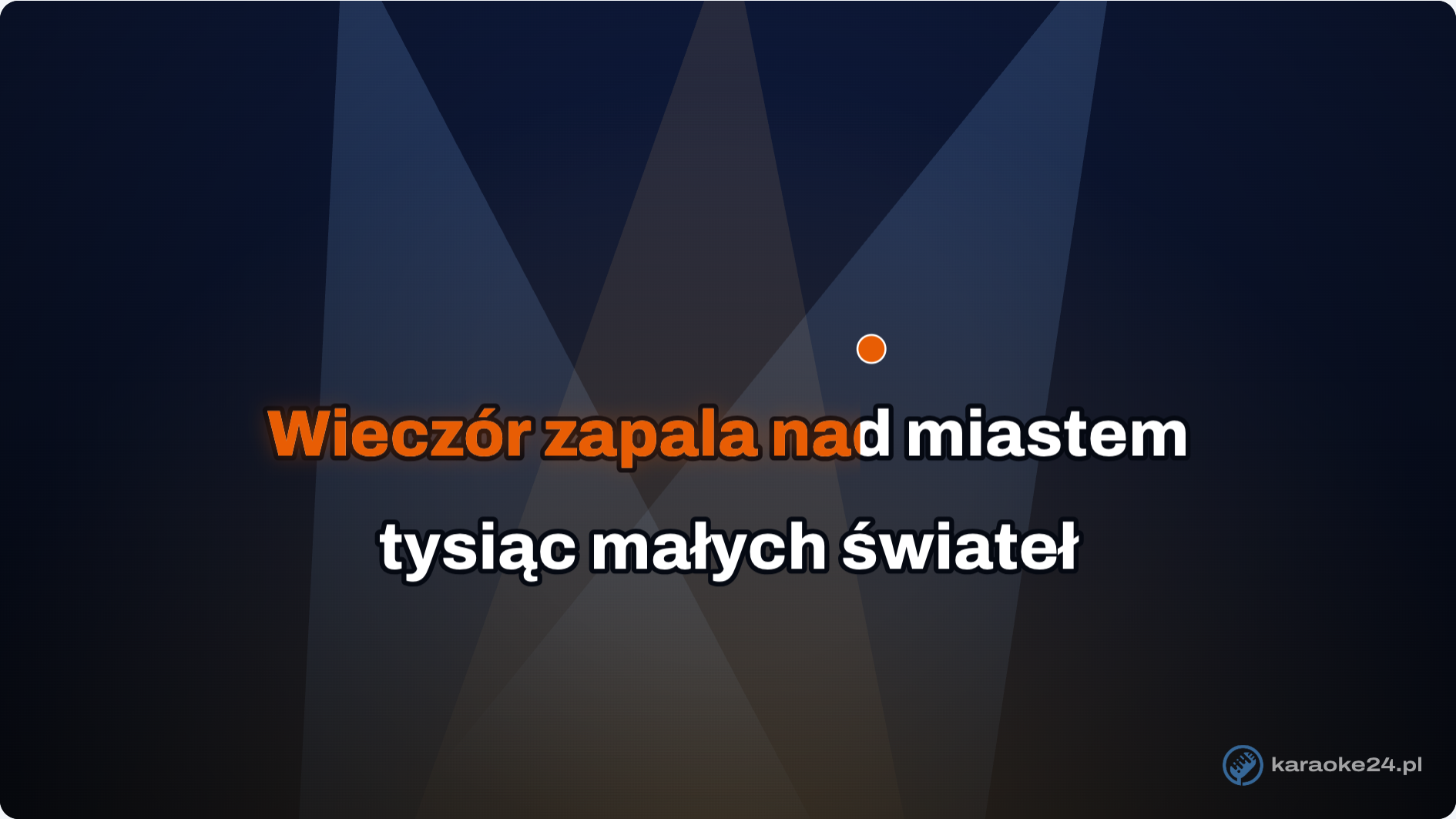
- Preview and save. You watch the finished clip with coloured lyrics and a bouncing ball, correct single syllables and save the file.
What you get
- MP4 video – for a TV (from a USB stick), a laptop, a projector and karaoke programs. The picture can be 16:9, 4:3 or vertical.
- CDG + MP3 – two files with the same name for keyboards and karaoke machines, e.g. Yamaha Genos or Korg Pa.
- MP3 with lyrics – one file with the lyrics and the timing of each word stored inside. A keyboard such as Yamaha Genos shows the lyrics by itself.
What it is good for
For a karaoke night at a club, when a song your guests ask for is missing. For a wedding or a party, so the singer or the guests have the lyrics in front of them. For singing with friends at home on the TV. Or for a new version of a well-known song with your own words – for a birthday or an anniversary.
What you need
- a computer or laptop with a keyboard,
- an up-to-date Chrome or Edge browser (to save the MP4 video),
- a Karaoke24 account and a backing track bought in the shop, or your own MP3 file,
- headphones or speakers.
The editor is a test version – free of charge during the beta. You paste the song lyrics yourself; they are not part of the backing track purchase.
See how the karaoke editor works, or go straight to the step-by-step manual. If something does not work or is unclear, write to us – every comment helps.