
How to make a CDG file (MP3+G) – step by step
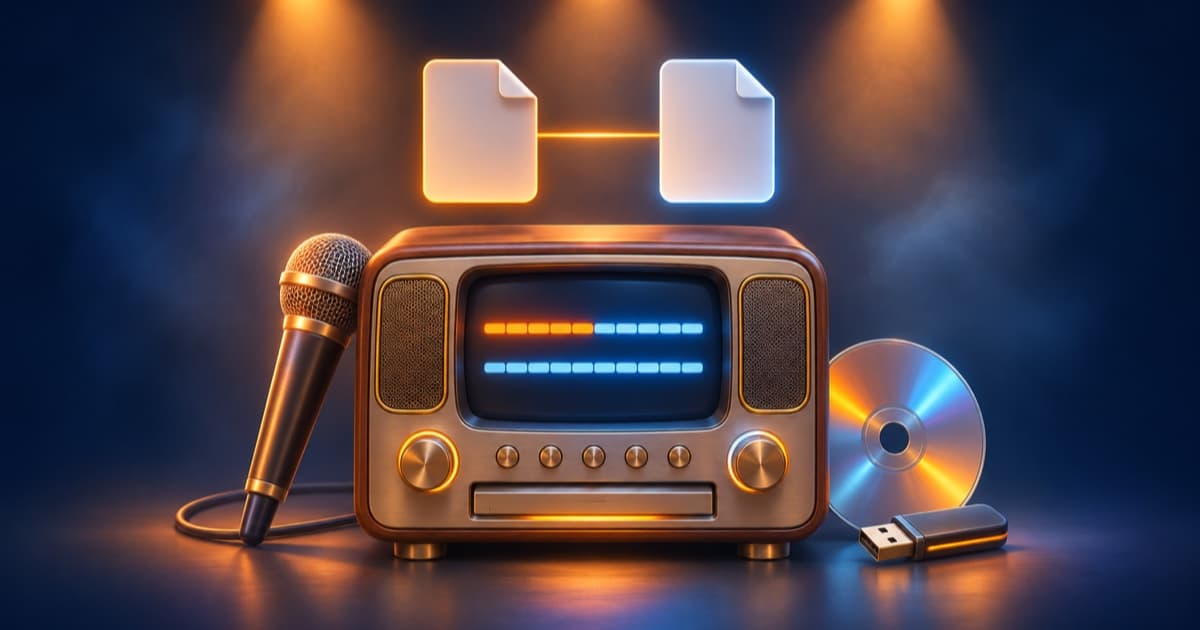
CDG + MP3 (also called MP3+G) is the most popular karaoke format for karaoke machines and keyboards. It is made of two files with the same name: song.mp3 is the sound, and song.cdg is a picture with the lyrics, which light up in time with the music.
Until recently, CDG files were made with Windows programs, usually paid ones. Below we show you how to make one in your browser, in the Karaoke24 karaoke editor.
What you need
- a computer with a keyboard and the Chrome or Edge browser,
- a recording – a backing track bought at Karaoke24 (MP3 or WAV) or your own MP3 file,
- the song lyrics.
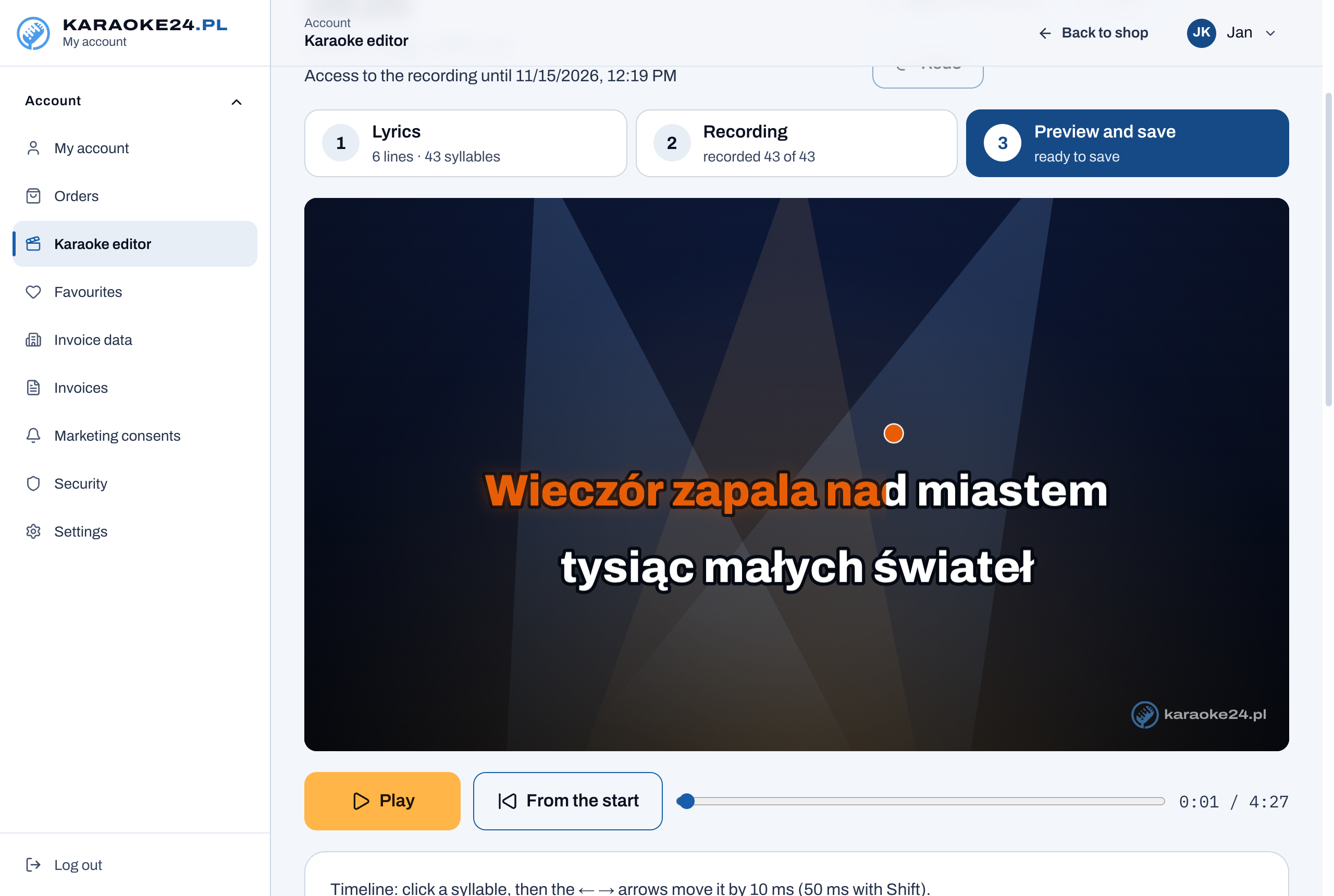
Step 1. Paste the lyrics
Open the karaoke editor, choose the song and paste the lyrics. One line of lyrics is one line on the screen, and an empty line separates the verses. Text in brackets, e.g. “(chorus)”, does not appear on the screen. The editor splits the lyrics into syllables by itself – if you do not like a split, click between the letters.
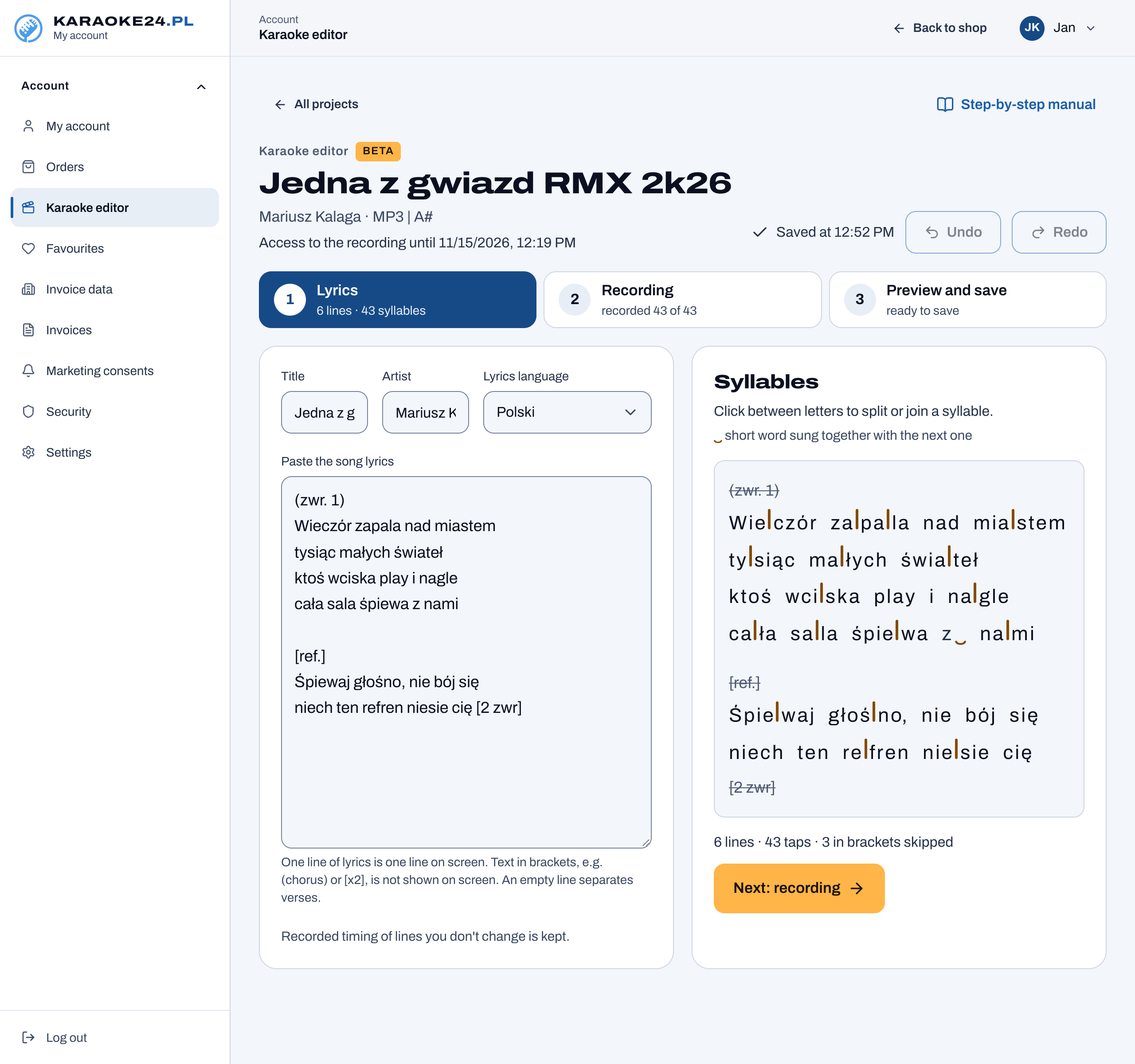
Step 2. Record the beat with the Space bar
Start recording and press the Space bar at the start of each syllable, as if you were singing it. On a long note, hold the Space bar down. To begin with, set the speed to 0.75× – the music plays more slowly, but the pitch stays the same. If you like, turn on the metronome clicks: before the start you will hear 4 beats at the tempo of the song.
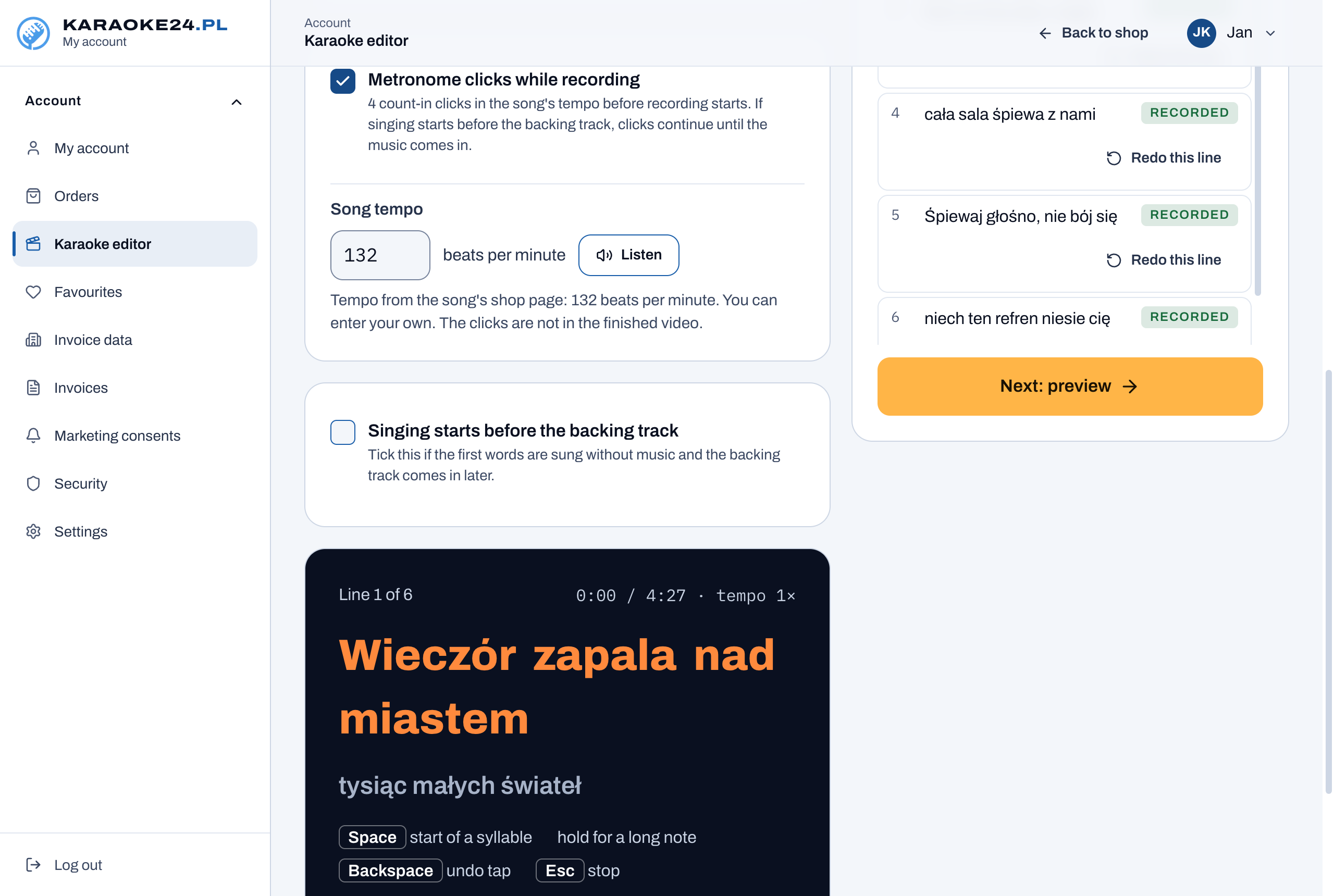
Step 3. Check and correct
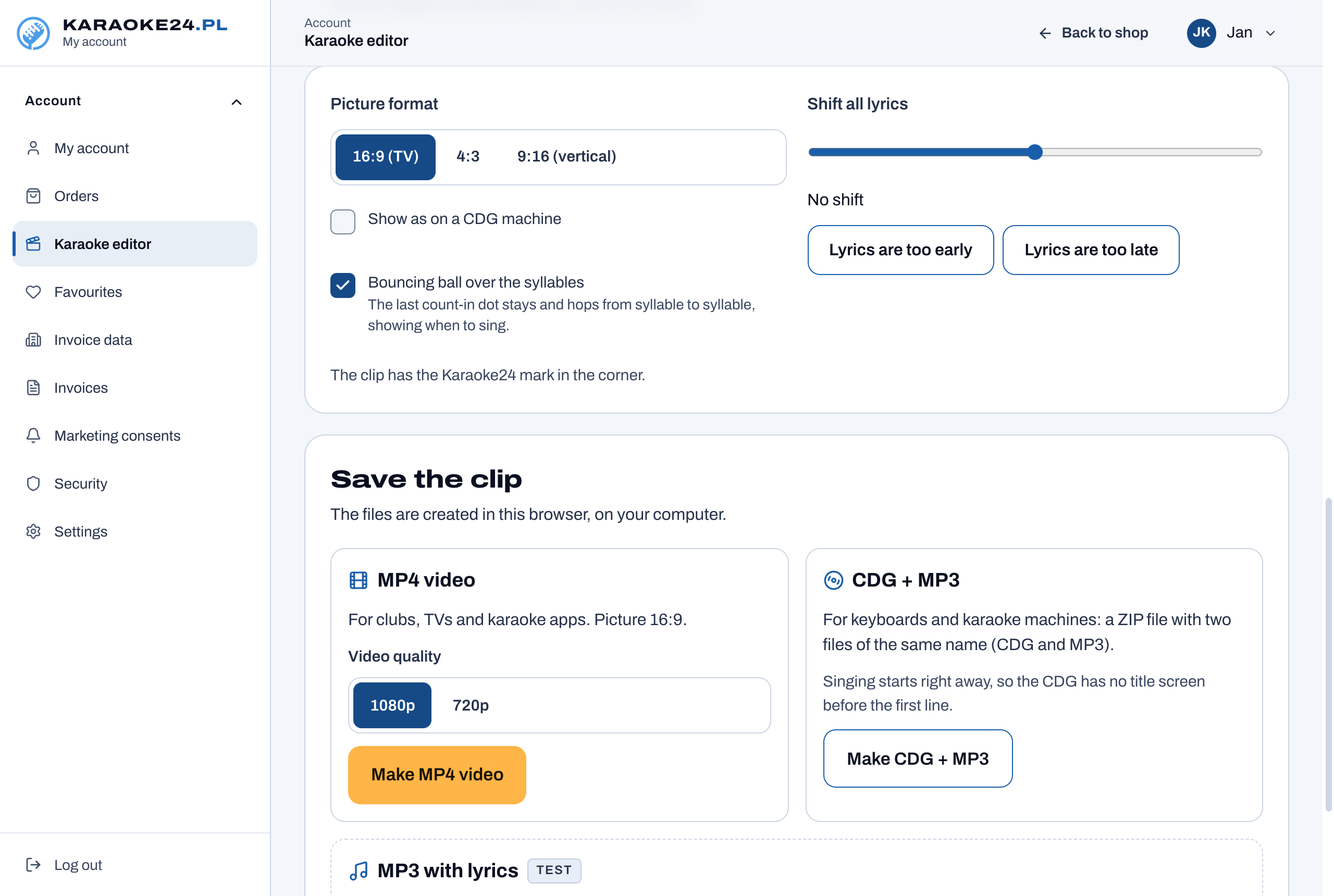
In the preview you see the clip as it will look on the screen. You can move a single syllable with the arrow keys on the timeline. The “Show as on a CDG machine” button shows how the lyrics will look in the CDG format (fewer colours, lower resolution).
Step 4. Save CDG + MP3
Click “Make CDG + MP3”. You get a ZIP file with two files of the same name inside. If the backing track is a WAV file, the editor converts it to MP3 in the highest quality (320 kbps).
Step 5. Copy to a USB stick
- Unzip the file and copy both files to the same folder on the USB stick.
- Do not rename only one of them – the CDG and MP3 files must have the same name.
- It is better to use short names, without special characters.
What it plays on
CDG + MP3 plays on karaoke machines, karaoke programs that support MP3+G, and keyboards whose manual lists it – e.g. Yamaha Genos and Korg Pa. The current list is on the karaoke editor page, in the table “Which keyboards it works on”.
You will find details of each step, with screenshots, in the editor manual.